
Jump portals
Jump portals
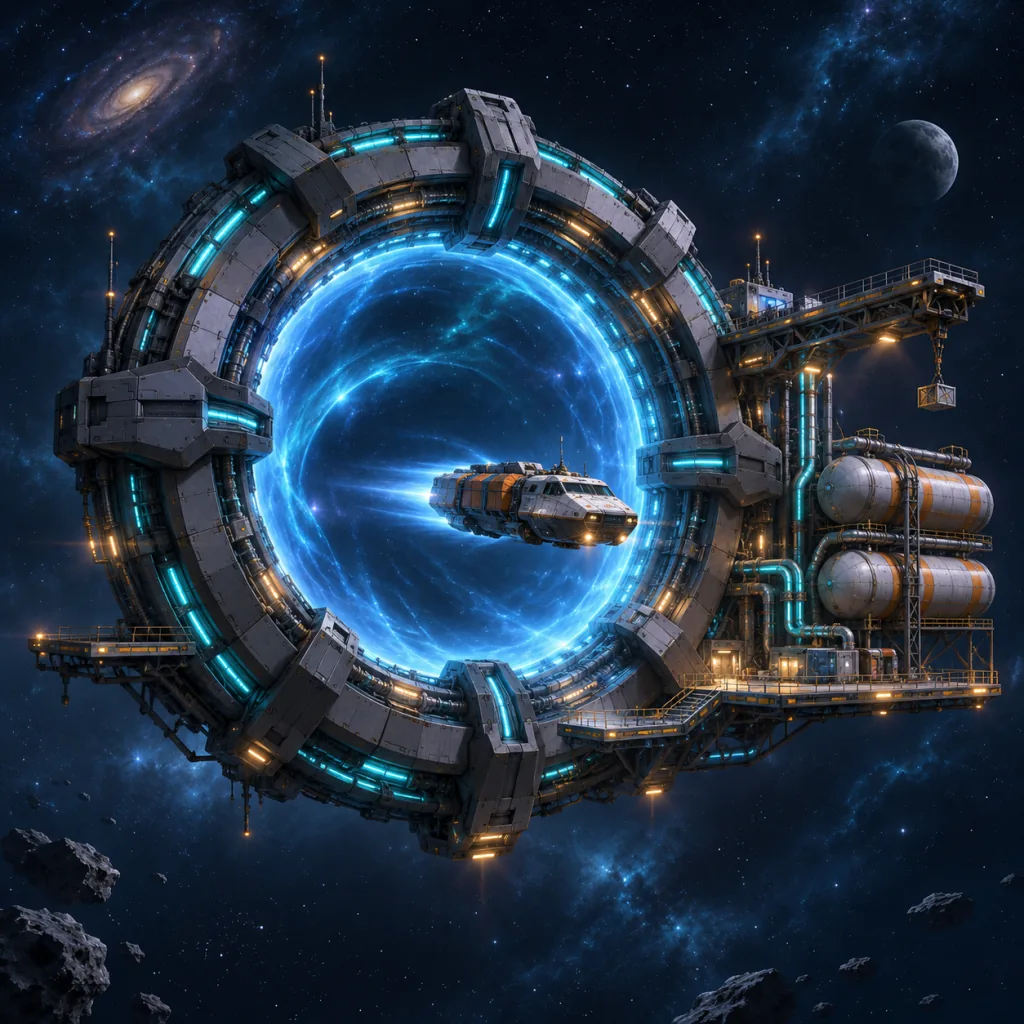
A jump portal is a ring you build in empty deep space. Two online portals let a fleet skip the distance between them: it flies to the entry ring, jumps, and flies on from the exit ring. A portal burns fuel every hour it is online, so it needs supplying.
Deploying a portal
A Deploy Portal mission carries the kit to the site. Resources and components are paid at launch. The credits are paid in your home currency, to the system reserve, when construction starts. A recall, or a site taken before arrival, returns the kit.
- Mission Deploy Portal
- Fleet At least 1 Freighter
- Home currency 10,000
- Iron × 6,000
- Titanium × 5,000
- Carbon × 2,500
- Silicon × 4,000
- Hydrogen × 2,000
- Plutonium × 500
- Structural Frames × 12
- Control Circuits × 8
- Fuel Cells × 6
- Drive Cores × 6
- Reactor Cores × 4
Reservoir and upkeep
An online portal burns its reservoir every hour and goes offline when either fuel runs out. Supply Portal missions refill it; what does not fit returns home.
- Capacity 21,600 Hydrogen and 180 Plutonium, about 30 days of upkeep
- Starting charge 2,160 Hydrogen and 18 Plutonium
- Restart An offline portal restarts once it holds 1 hr of upkeep.
- Supply Supply Portal
- Decommission Shuts a portal down for good. Its reservoir is lost.
Jumping
Any mission that leaves your settlement can route through two online portals you may use. Mission Control lists the entry rings nearest the origin and the exit rings nearest the destination, and suggests the fastest pair.
- Draw 40 Hydrogen and 0.2 Plutonium per 100,000 hull mass, from the departing ring's reservoir
- Return The exit ring prepays the jump home at launch.
- Fleet fuel Only for the flights to the entry ring and from the exit ring.
Sharing
Owners open a portal to their friends or to every commander, except those on the owner's enemies list, and decide whether hostile missions may pass. Using someone else's portal needs no research.
- Fee Up to 100,000 in the owner's home currency per launch through it, the jump home included
- Fee tax 5% to the system reserve; the owner keeps the rest
- Where Command Center, Jump network tab